Building a PC in 2026: The Complete Beginner-to-Enthusiast Guide
There’s a reason “building your own PC” hasn’t faded away, even in a world full of powerful laptops, consoles, and prebuilt systems. In 2026, it’s not just a hobby anymore; it’s a practical, cost-effective, and deeply customizable way to get exactly the performance you want.
Whether you’re a gamer chasing higher frame rates, a creator pushing heavy workloads, or just someone who wants full control over their machine, building a PC gives you flexibility that prebuilt systems simply can’t match.
This guide is your starting point. We’ll walk through why building a PC still matters, what each core component does (at a high level), how to think about your build, and what actually matters when putting everything together.
If you’re feeling overwhelmed, that’s normal. By the end of this, you’ll know exactly where to focus—and where not to overthink.
Building a PC in 2026: What You Need to Know First
Before diving into parts and steps, here’s the high-level reality of building a PC in 2026:
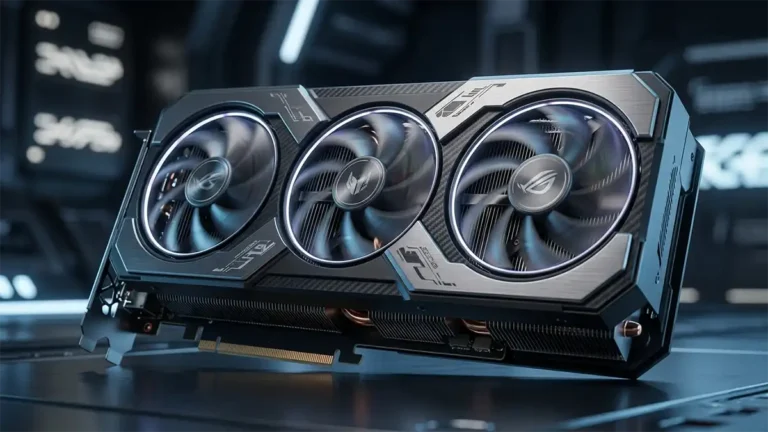
- GPUs still define gaming performance more than any other component
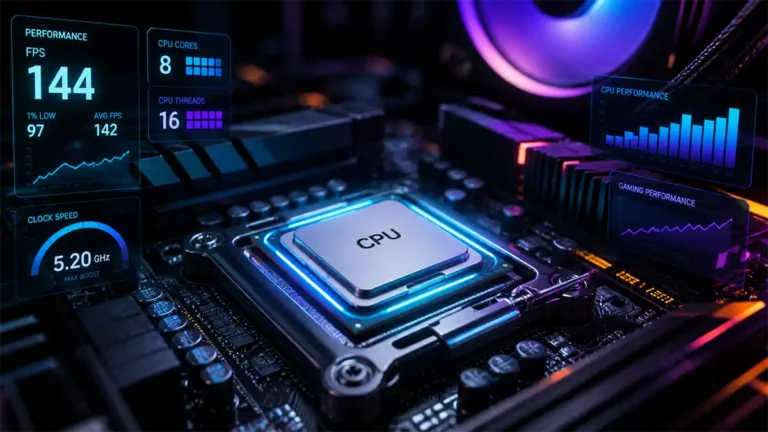
- CPUs are more efficient and now include AI-focused NPUs
- Fast SSDs are no longer optional—they’re the baseline
- Balance matters more than “best parts”
- Power supply quality is critical (and still overlooked)
If you understand these five ideas, you’re already ahead of most beginners.
Why Build a PC in 2026?
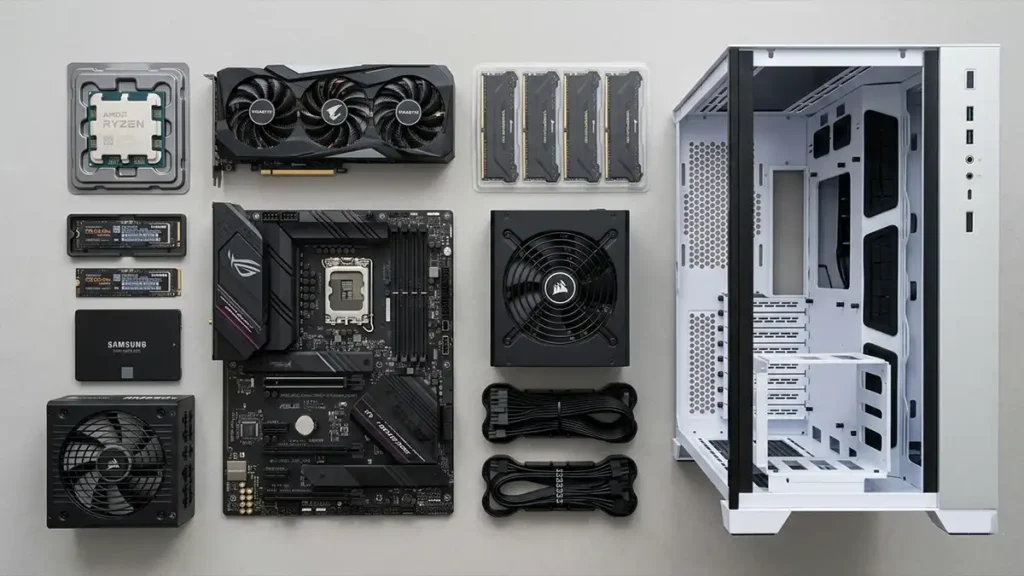
Let’s address the obvious question first: why not just buy a prebuilt system?
Here’s what building your own PC gets you:
- Full control over performance: You choose exactly where your budget goes—whether that’s GPU power, storage, or CPU strength
- Better value for money: Prebuilt systems often include markup, lower-quality parts, or unbalanced configurations
- Upgrade flexibility: You can swap out parts over time instead of replacing the entire system
- Higher quality components: You’re not stuck with generic power supplies or limited cooling solutions
- Learning and ownership: You actually understand your machine, which makes troubleshooting and upgrading far easier
A simple example: a prebuilt gaming PC might advertise a strong GPU, but cut corners with a weak power supply or slow RAM. When you build your own, you avoid those trade-offs entirely.
What You’re Actually Building
At its core, a PC is a collection of specialized components working together. Think of it like a team where each part has a defined role.
Here’s a quick overview:
| Component | Role | Why It Matters |
|---|---|---|
| CPU | The brain | Handles calculations, game logic, multitasking |
| GPU | The visual engine | Renders graphics, critical for gaming |
| RAM | Short-term memory | Affects responsiveness and multitasking |
| Storage (SSD/HDD) | Long-term storage | Determines load times and system speed |
| Motherboard | The backbone | Connects everything together |
| PSU | Power delivery | Ensures stability and safety |
| Case | Physical structure | Affects airflow, space, and aesthetics |
| Cooling | Temperature control | Maintains performance and longevity |
We’ll keep things high-level here—each of these will have its own deep dive article.
The Right Way to Think About a Build
One of the biggest mistakes beginners make is focusing too much on individual parts instead of the system as a whole. Instead, think in terms of balance.
A well-built PC is not the one with the most expensive GPU, it’s the one where every component supports the others properly. For example:
- Pairing a high-end GPU with a weak CPU creates a bottleneck
- Buying fast RAM without enabling proper settings means you’re wasting money
- Using a cheap power supply can risk the entire system
Your goal isn’t “max performance at any cost.” It’s “optimized performance for your use case.”
Step-by-Step: How to Approach Your Build
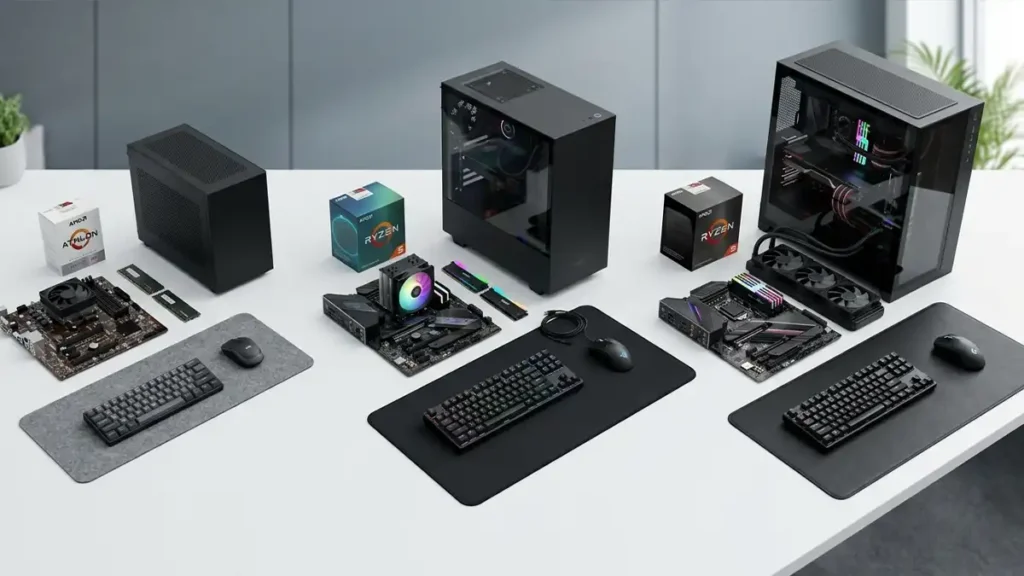
1. Define Your Purpose
Before you look at a single part, decide what the PC is for:
- Competitive gaming (high FPS, low latency)
- AAA gaming (visual quality and immersion)
- Streaming or content creation
- General productivity
This decision shapes everything else.
2. Set a Realistic Budget
Your budget determines your build tier:
- Entry-level: solid 1080p performance
- Mid-range: strong 1440p gaming
- High-end: 4K gaming or heavy workloads
Avoid stretching your budget for one “hero component” at the expense of everything else.
3. Prioritize the GPU (for Gamers)
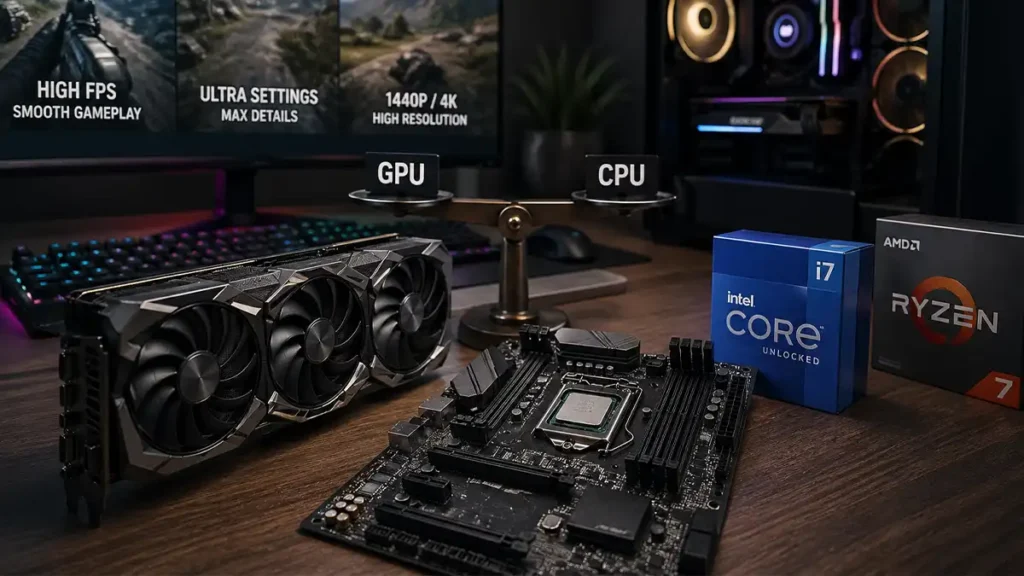
If your focus is gaming, the GPU will usually be your most important investment. It directly impacts:
- Frame rate
- Visual settings
- Resolution capability
But remember, this doesn’t mean overspending. It means aligning it with your target resolution and refresh rate.
4. Choose a Compatible CPU
Your CPU needs to keep up with your GPU.
Key idea: avoid bottlenecks. You don’t need the absolute top-tier processor unless you’re doing heavy multitasking or content creation. Balance is always better than extremes.
5. Don’t Neglect RAM and Storage
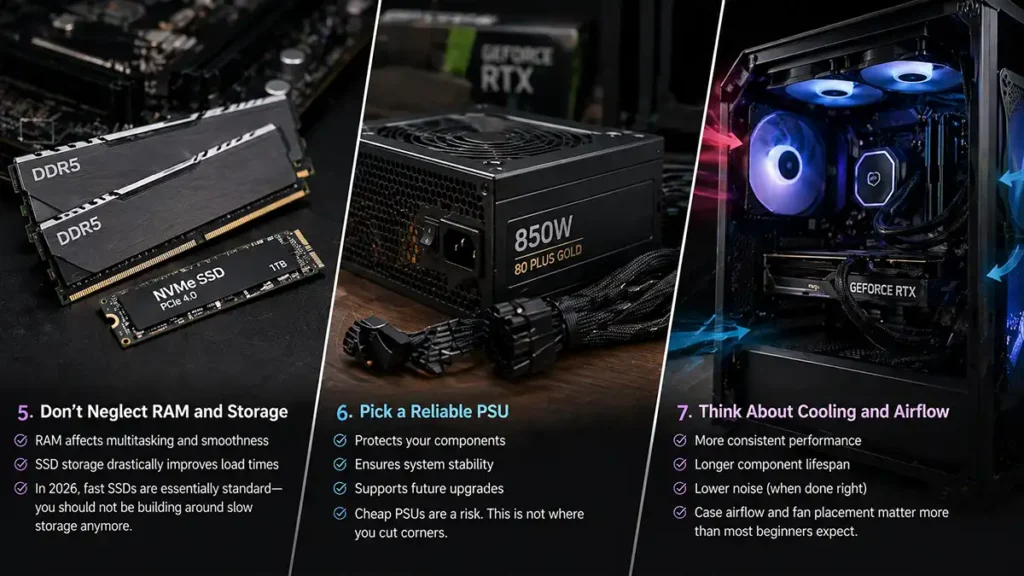
These are often underestimated, but they have a real impact on day-to-day experience.
- RAM affects multitasking and smoothness
- SSD storage drastically improves load times
In 2026, fast SSDs are essentially standard, you should not be building a system around slow storage anymore.
6. Pick a Reliable PSU
This is one of the most overlooked components, and one of the most important. A good power supply:
- Protects your components
- Ensures system stability
- Supports future upgrades
Cheap PSUs are a risk. This is not where you cut corners.
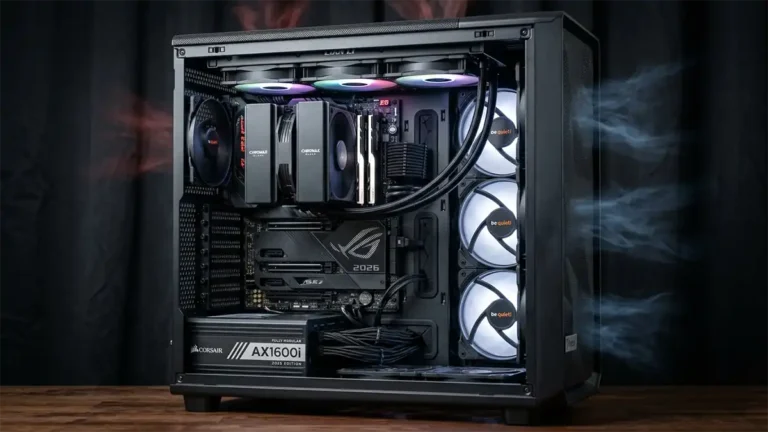
7. Think About Cooling and Airflow
Performance isn’t just about raw specs, temperature matters. Better cooling means:
- More consistent performance
- Longer component lifespan
- Lower noise (when done right)
Case airflow and fan placement matter more than most beginners expect.
Building the PC: What It Actually Feels Like
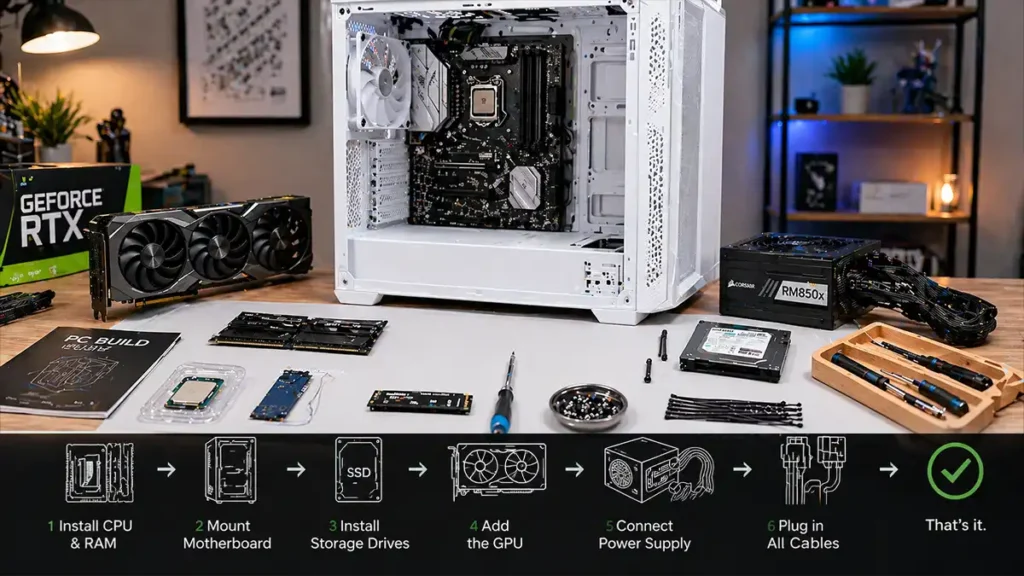
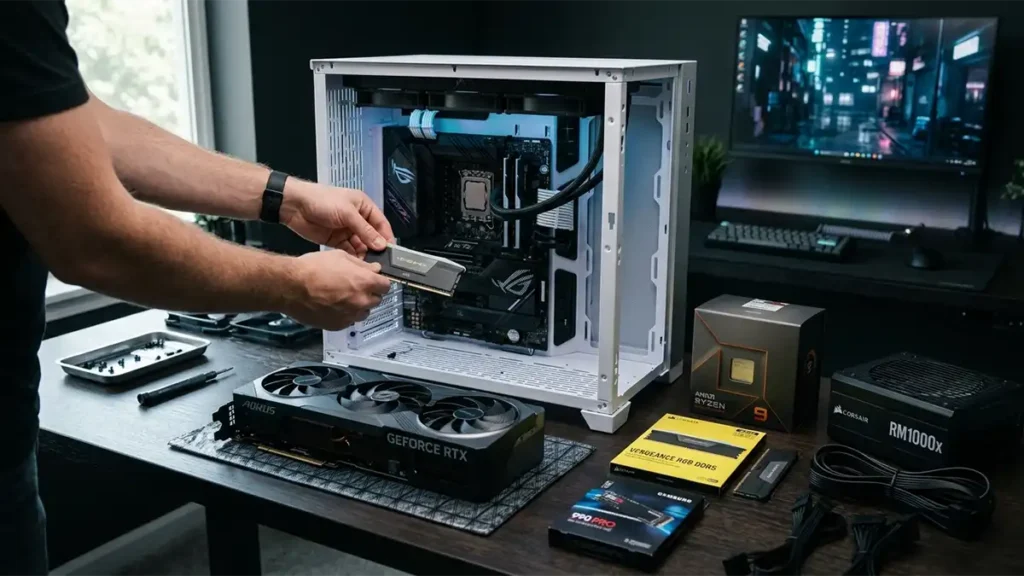
If you’ve never built a PC before, it might sound intimidating, but it’s much more straightforward than it looks. At a basic level, you’ll:
- Install the CPU and RAM onto the motherboard
- Mount the motherboard into the case
- Install storage drives
- Add the GPU
- Connect the power supply
- Plug in all cables (power, fans, front panel)
That’s it. It’s closer to assembling a high-end LEGO set than doing electrical engineering. The most important traits here aren’t technical skill, they’re patience and attention to detail.
Common Mistakes to Avoid
Even experienced builders slip up sometimes. Here are the big ones:
- Overspending on one component: Creates imbalance and wasted performance
- Ignoring compatibility: Not all parts work together (especially CPU + motherboard)
- Cheap power supply: Risks system stability and safety
- Poor airflow planning: Leads to overheating and throttling
- Skipping research: Marketing can be misleading, always verify claims
A little planning prevents most of these issues entirely.
Is Building a PC Still Worth It in 2026?
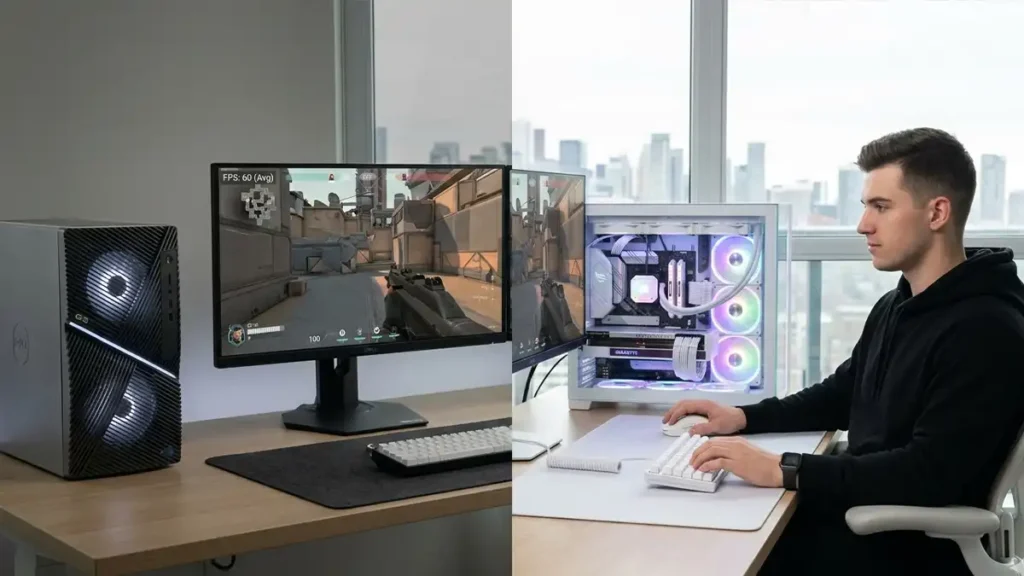
Short answer: yes, more than ever. Despite improvements in prebuilt systems, building your own PC still offers:
- Better performance per dollar
- Higher quality components
- Greater longevity through upgrades
- Complete customization
Prebuilts are more convenient. Building is more powerful and flexible. That trade-off hasn’t changed.
The Bottom Line
Building a PC in 2026 is more accessible than it’s ever been, with excellent resources, strong community support, and hardware that performs better per dollar than any previous generation.
The process is learnable in a single afternoon of research and a single day of assembly.
The payoff is a machine you understand completely, built to your exact specifications, that you can upgrade, repair, and optimize for years to come.
Pick your budget, target your use case, and start with the component that matters most for your workload. For most readers of this guide, that’s the GPU.
PC Building: FAQ ❓
Not really. If you can follow instructions and take your time, you can build a PC. Most mistakes come from rushing, not complexity.
Usually yes, especially at mid-range and high-end tiers. Entry-level builds can be closer in price.
Yes, that’s one of the biggest advantages. Most components can be replaced individually.
GameMonkey Verdict
More powerful and flexible
Building a PC in 2026 is no longer just for enthusiasts, it’s the smartest way to get exactly the performance you want without hidden compromises.
If you care about gaming performance, longevity, and real value, building wins. Pre builts are fine for convenience, but they still cut corners where it matters most.
Our take:
- Best choice for gamers and creators who want control
- Strongest value at mid-range and high-end budgets
- Worth learning once you’ll benefit for years
If you’re serious about your setup, building your own PC isn’t optional anymore, it’s the advantage.